Announcements

  1. Manage inventory based on material properties

    Improvement

    We've just extended the rules engine for inventory to allow the use of values from linked mill certificates / material test reports for heat codes associated to an inventory so you can ensure you're always picking the right stock for the job.

    This works whether you've got a single heat code or multiples for a given stock line, by providing min, max, and average options for fields from the mill certificates. So for instance, you stock steel and it must always have a CEQ of more than 0.4 for a specific weld, you can create a rule for the inventory for the weld procedure that verifies the CEQ min % i.e. the smallest value for the matched heat codes, is greater than or equal to 0.4. when this condition is met, the inventory gets the tag for the weld procedure.

    image

  2. Auto-tag your mill certs and orders too

    Improvement

    Until now, tag rules were limited to inventory items - useful, but only part of the picture. Your mill certificates and orders were still being kept in everyone's heads.

    Now tag rules cover all three. Head to Configuration → Tags and Configuration → Tag Rules where you'll find Inventory, Mill Certs, and Orders sitting together on the same pages.

    For mill certs, you can write rules against any extracted value like standard (BS 4449, EN 10080), grade (B500B, B500C), carbon equivalent, ductility ratio, yield strength, etc. For orders, rules fire on status, quantity, diameter, length, site, and customer.

    Rules apply automatically whenever a certificate is processed or an order is updated, no manual trigger needed.

    image
  3. Connect your own scripts and tools to GoSmarter

    Improvement

    If you want to pull inventory data, push mill certs, or wire GoSmarter into your own tooling, you've had to jump through the full OAuth login flow every time. That's fine for an interactive session, not great for a cron job.

    You can now create API keys straight from the developer portal:

    1. log in at api-docs.gosmarter.ai, go to My Account → API Keys, and hit Create.
    2. The key is shown once, so copy it somewhere safe. Each key carries your company

    memberships and roles at creation time, so it respects the same permissions

    as your normal login.

    Remember: no vendor should make your data hard to get so everything you can do in GoSmarter, you can do via API.

    The portal also has a quick start guide and code snippets for curl, JavaScript, and Python to get you going. You can manage your keys and use them to access the API via the portal for testing things out.

    💡 This also greatly improves the ease of use of our MCP server so you can have your own AI interfaces to GoSmarter, using them as natural language interfaces or rapid writers of integrations with your other systems.

    We support customers during onboarding and going forward with steps to integrate GoSmarter with other applications and you can read more about different approaches in our Integration Strategy guide.

    image
  4. Manual Tag Management

    Improvement

    Manage tags directly from your inventory table. You can now manually apply and remove tags on any inventory item without leaving the inventory view. The new "Manage tags" modal replaces the old per-row "Apply tag rules" button, giving you a clearer, more powerful interface for organising your stock.

    What's new:

    • Open Manage tags from any inventory row to see all available tags for your company in one place. Check or uncheck tags to apply or remove them instantly.
    • Tags controlled by active auto-apply rules are shown with a lock icon and marked read-only so you always know which tags are being managed automatically and which are yours to control.
    • A "View Tag Rules" link inside the modal takes you directly to the Tag Rules page if you want to change how rules  behave.
    • Long tag names no longer overflow, they truncate cleanly with a tooltip showing the full name on hover.
    • Rule-governed tags are clearly indicated via tooltip on hover or keyboard focus, making the interface fully accessible without a mouse.

    Why it matters: Previously, manual tag assignment required working around auto-apply rules, with no visibility into which tags were rule-controlled. Now you get a single, honest view of every tag on an item - what's automatic, what's manual, and how to change either.

    image
  5. Send cleaner order packs with certificate PDFs

    New Feature

    Chasing order context and matching mill certificates usually meant hopping between screens, exports, and individual records. Now you can generate a proper certificate pack PDF for an order, ready to share without the extra faff.

    Use Generate Certificate Pack from the Actions menu in the Orders list, or from Bulk actions on the Order Details page in Line Items.

    The pack includes:

    • a cover page with the order details, including Customer PO Reference
    • one page per linked inventory item (no associated stock, no page)
    • mill certificate details where a certificate is matched
    • a clear notice where no mill certification is on record

    This works with minimal effort on your part. Data only ever gets entered once.

    1. Mill certs come in, you upload them with AI
    2. You log the inventory, including the heat code
    3. You reserve the stock against the order, when you're planning production
    4. You export the PDF when you're shipping the order (or parts of it)
    image
  6. Add certs by hand and edit any cert in place

    New Feature

    Not every mill certificate arrives ready for the AI. Sometimes it's a photo, a handwritten form, or data from a supplier who sent it in a different format altogether. Until now, there was no way to get that data into GoSmarter without going through the upload pipeline.

    Head to Mill Certs and use the new Create Manual option. Upload the PDF, fill in the supplier and certificate details, and add as many heats and test results as you need.

    Editing is easier too. Open any certificate's detail page, click Edit in the actions menu, and everything becomes editable right there alongside the PDF. You can correct a value, add a heat that was missed, or remove one that shouldn't be there and nothing is sent until you click Save Changes.

    image

    PS Tutorial mode can make tabbed editing require a few too many presses as the tooltips are in order for top accessibility. You can turn off tutorial mode at any time by clicking the x on the info sections or by clicking on your name and toggling tutorial mode there.

  7. Generate branded material test certificates from your mill certs

    New Feature

    When a customer asks for a material test certificate, you need it to look like it came from you including your logo, your contact details, your registration number, not from the original mill. Until now, that meant exporting the raw mill cert and reformatting it manually.

    You can now generate a branded Material Test Certificate PDF directly from any ingested mill cert. Set up your branding once in Company Settings → Certificate Branding (logo, contact details, registration number, footer text), then download a branded PDF from the export menu on any mill certificate.

    • Certificates not yet marked as Approved automatically carry a DRAFT watermark, so there's no risk of sending out an unapproved document by accident
    • On the mill cert details page, each heat code row now has Download Own Brand (This Heat) and Download Original Page (This Heat) actions, so you can pull just the heats you need
    • In the Inventory table, clicking a heat code link now gives you three options: navigate to the cert, download the original page, or download your branded version
    • Every generated PDF includes a QR code linking back to the certificate on GoSmarter (for third-party verification soon)

    What's next for this?

    1. We're going to ensure these can meet your EN 10204 3.1 and other standards reporting requirements for certificates.
    2. Making the certificate viewable read-only for unauthenticated users or users outside your company when provided with the link.
    3. Full traceability packs for orders that are own branded or supplier branded to reduce the compilation time for providing provenance to customers

    We are actively seeking beta test customers who are keen to solve traceability problems with their metals. Reach out to us on talktous@gosmarter.ai if you're looking to test out improved processes for material test report handling.

    image
    image

    image
  8. More ways to describe what you actually stock and supply

    Improvement

    Different metal products need different ways to describe themselves. A round bar needs a diameter, a pipe needs a nominal size and wall thickness, a column section needs a designation like 203UC60. Until now, you had to cram that into notes or leave it blank.

    We've added Wall Thickness, Nominal Size, and Section Designation to inventory items and order line items. They show up in the create/edit dialogs, the detail panels, CSV upload/download, and filtering so you can search and sort by them just like any other field. Tag rules can use them too, meaning you can auto-tag your structural sections or pipes by geometry without any manual work.

    image

    A few tidy-ups came along for the ride: Heat Code is gone from the order form (it's almost never known at order time but you can still import it via CSV), the customer name now shows correctly on the order details page, and on medium-width screens the dimension columns collapse into the expandable row so the action buttons stay visible without scrolling sideways.

  9. Audit trails everywhere

    Improvement

    We recently improved our tracking of changes in the system. Now you can see across inventory, mill certificates, and orders what changed, when, and by whom. This is critical for your ISO accreditations and meeting your customer's expectations so they can meet their regulatory requirements. Audit trails exist on every item and items that have been deleted are also recoverable and tracked - this is also useful because they can be restored too!

    image

  10. Improved non-ferrous metal coverage

    Improvement

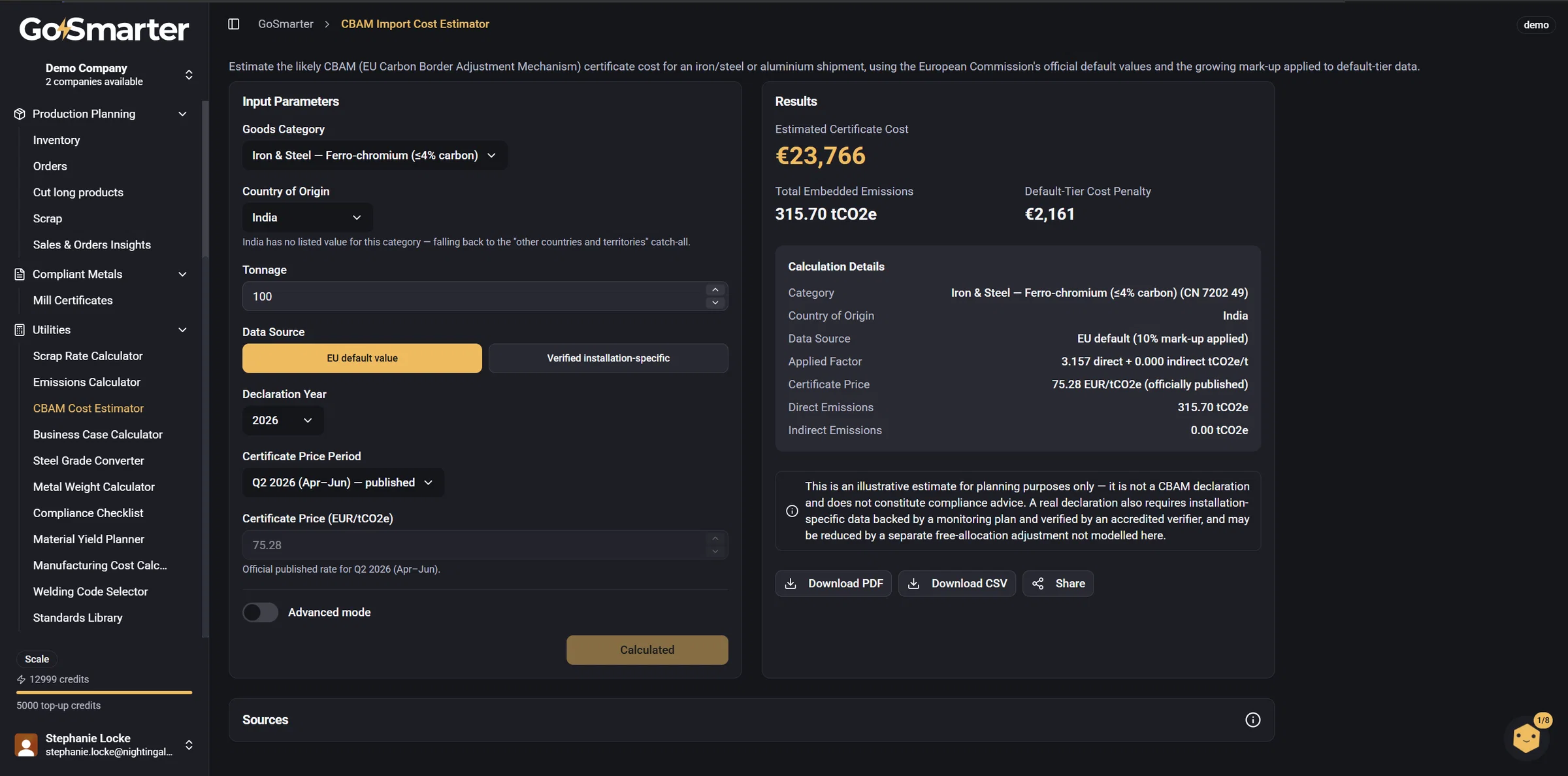
    We have improved the support for non-ferrous metals on the app. This includes more detailed materials and types in our default starter lists for copper, nickel, and brass. We have also added more support in our free tools, including our metal weight calculator and our emissions calculator. This update also helps with copper pipes by increasing the available range of calculation methods for different international standards/

    image
    image