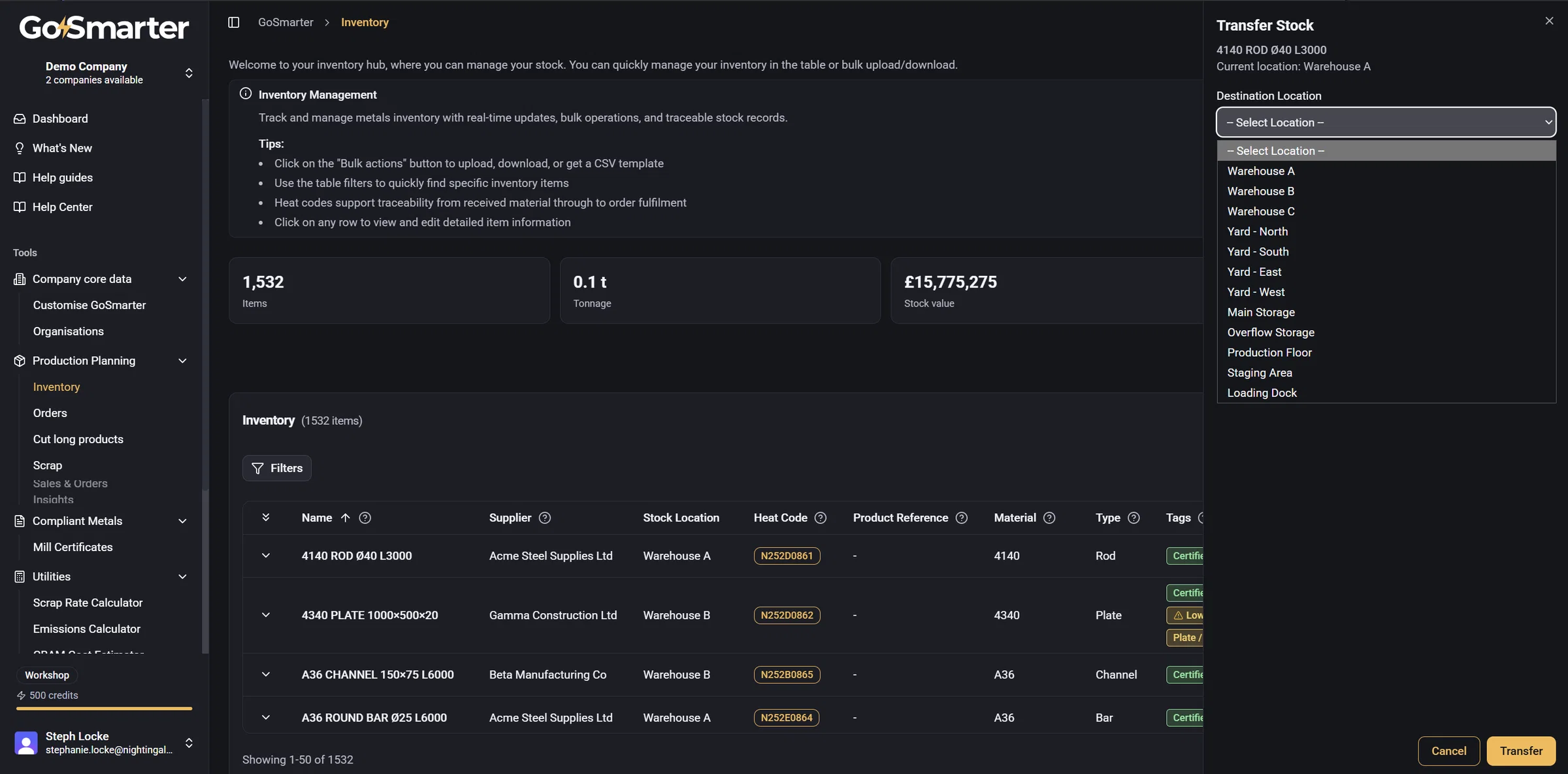
Transfer stock between locations, properly
New Feature
Moving stock to a different location used to mean manually editing the item and hoping it was obvious what happened as nothing marked it as a deliberate move.
Now you can Transfer an item to a new location with one click, from the inventory table's Actions menu, the quick-view panel, or the item's own detail page. Pick the destination and you're done — quantity and weight stay exactly as they were, only the location changes.
Next up: tagging transfers with a reason, so it's clear not just where stock moved, but why.