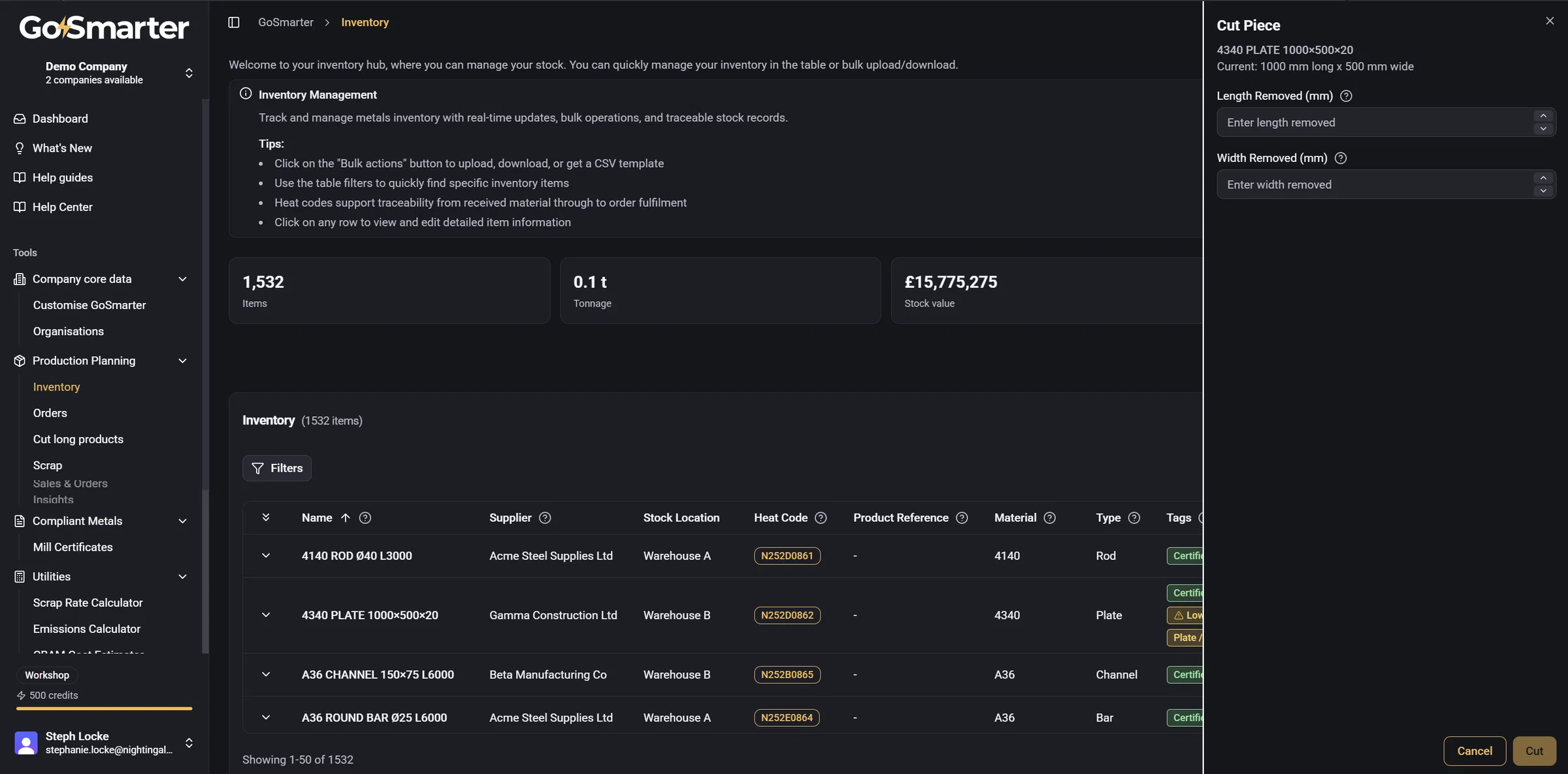
Cut and Consume = smarter ways to use up stock
New Feature
Splitting or reducing inventory used to mean one blunt "Split" or "Use" action, whatever kind of stock you had whether a length of bar or a box of fittings, same dialog.
Now there are two purpose-built actions instead:
- Cut takes a specific length or size off a bar, tube, plate or sheet, and creates a new linked item for the piece you've taken, so you can trace it right back to where it came from.
- Consume reduces quantity or weight in place for stock that's used up rather than physically split like offcuts, fittings, bulk material and the like.
Which one you're offered depends on the type of stock, so you won't see Cut on things that don't make sense to cut, like fasteners. Not quite right for your catalogue? You can reclassify any type in Company Settings.