Connect your own scripts and tools to GoSmarter
If you want to pull inventory data, push mill certs, or wire GoSmarter into your own tooling, you've had to jump through the full OAuth login flow every time. That's fine for an interactive session, not great for a cron job.
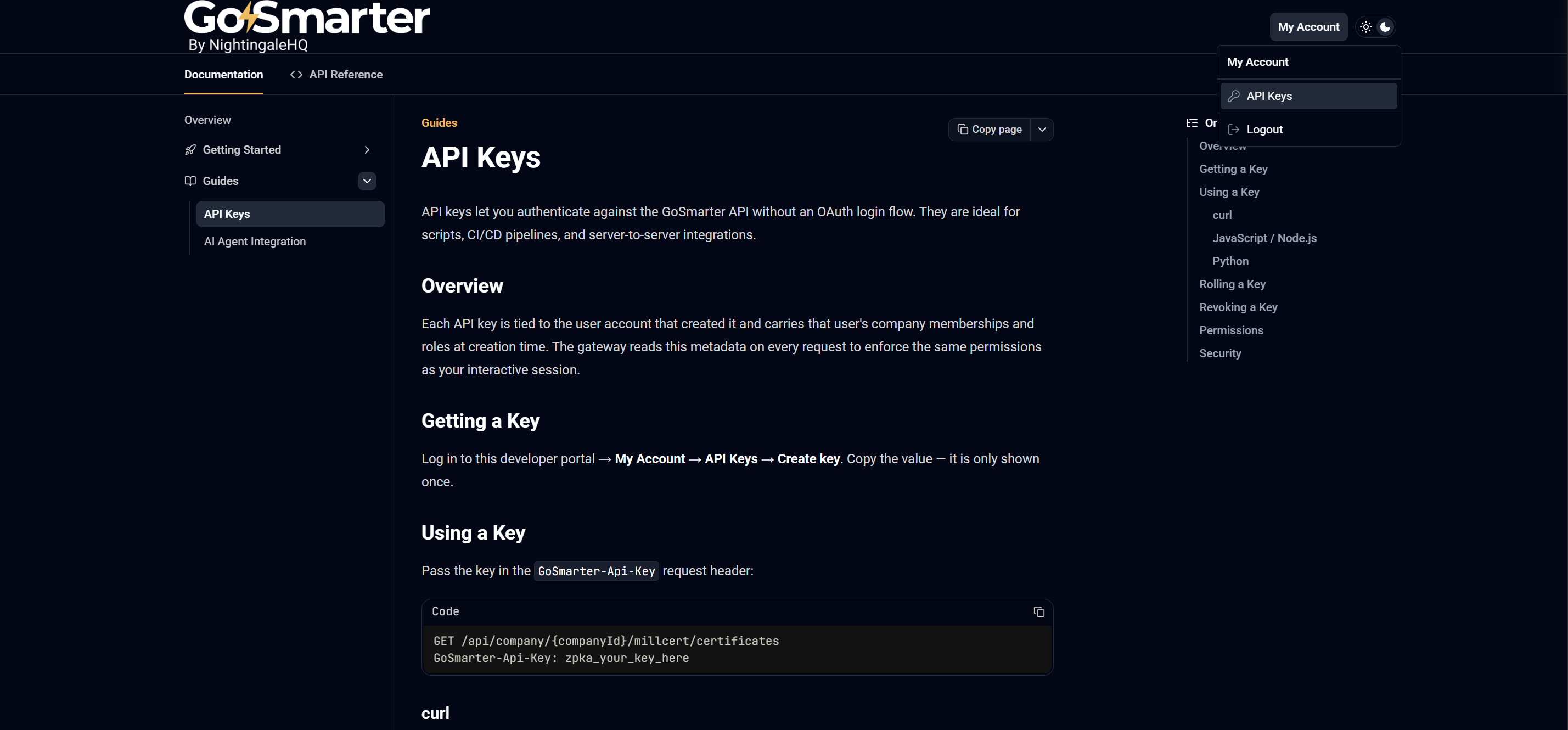
You can now create API keys straight from the developer portal:
- log in at api-docs.gosmarter.ai, go to My Account → API Keys, and hit Create.
- The key is shown once, so copy it somewhere safe. Each key carries your company
memberships and roles at creation time, so it respects the same permissions
as your normal login.
Remember: no vendor should make your data hard to get so everything you can do in GoSmarter, you can do via API.
The portal also has a quick start guide and code snippets for curl, JavaScript, and Python to get you going. You can manage your keys and use them to access the API via the portal for testing things out.
💡 This also greatly improves the ease of use of our MCP server so you can have your own AI interfaces to GoSmarter, using them as natural language interfaces or rapid writers of integrations with your other systems.
We support customers during onboarding and going forward with steps to integrate GoSmarter with other applications and you can read more about different approaches in our Integration Strategy guide.